

 Visual image playback has come a long way since the days of Betacam Decks, VHS cassettes and multiple slide projectors with dissolve. For video playback today, we suggest our clients use high resolution WMV or MPEG -4 files instead of DVDs. Apple ProRes 4:2:2 and h.264 are the best formats. This assures that the video files remain uncompressed and are less likely to get damaged in transit. The files can also be easily backed up for even more peace of mind.
Still images for logo loops can be assembled as a set of JPEGS in a folder. Our laptop PC with HDMI output can be setup to display the images as a looping slideshow. For formal presentations PowerPoint shows are still the go-to format and video/audio files can be embedded in the show for seamless transitions.
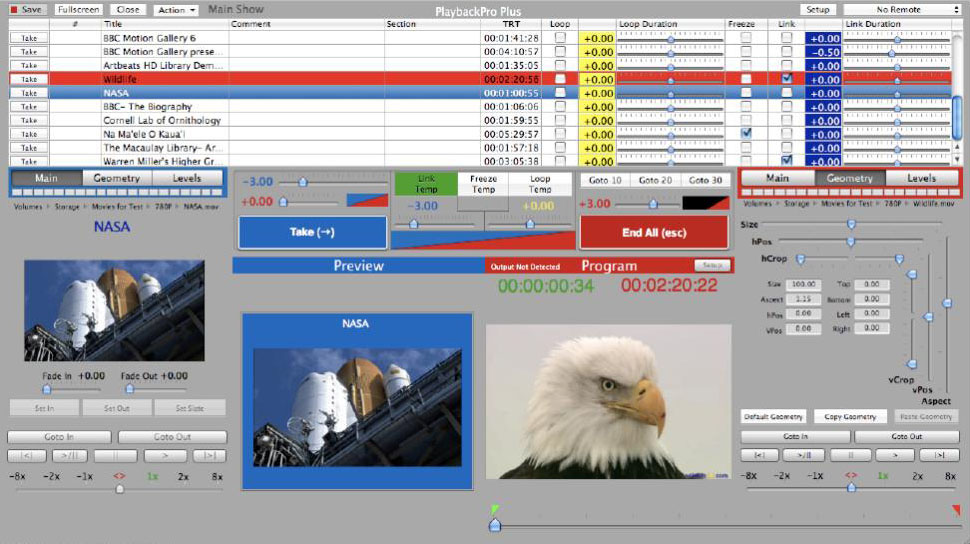
Windows Media Player and QuickTime player both do a fine job of looping a video file for continuous playback. When your show requires more finesse with precise timing cues, we suggest our MacBook Pro 17” with the latest version of the PlaybackPro Collection.